 Questions? 954-344-2429
Invoice payment
Pay your invoice.
Choose how you’d like to pay Parkland Printing & Graphics, Inc. Please have your invoice number and amount ready.
Pay with Zelle
Zelle is our preferred payment method. It’s a simple way to pay directly through your banking app, with no processing fee charged by PP&G.
Tap to open PP&G’s Zelle payment link. Your bank may ask you to sign in.
To make your payment:
- Open Zelle in your banking app and scan the QR code.Tap the Zelle button above to open the payment link on your phone.
- Verify the recipient is Parkland Printing & Graphics, Inc.
- Enter your invoice total and include your invoice number in the memo.
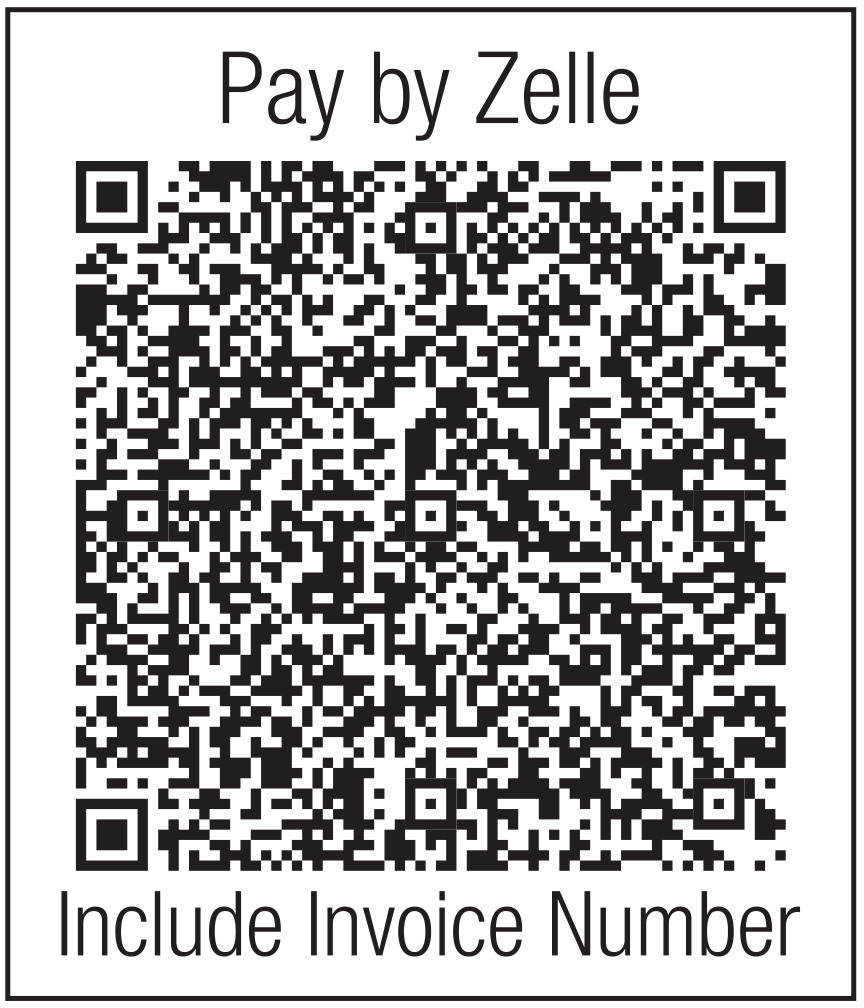
Scan to pay by Zelle
Zelle payments are completed through your bank, not on this website. Check your bank’s applicable terms and payment limits.
Pay by credit card
Prefer to pay by credit card? A processing fee may apply. If applicable, it has already been included on your invoice because you selected credit card as your payment method in advance.
Please pay the exact balance shown on your invoice. No additional card fee is added by this page.
You’ll be directed to Elavon Converge’s secure hosted payment page. PP&G does not collect or store your card number here.
Have your invoice number, total, and billing address handy.